
Facebook Business Pages have become widely used by small businesses to reach their audience, engage and build a community. However, as Facebook’s newsfeed algorithm has evolved to favour posts from personal profiles (and not from business pages), the reach small businesses are likely to receive on their posts has been dramatically reduced with reports of reach dropping down below 10% as long ago as 2014. If businesses want to get their posts seen by their audience, they’re often left with no option but to advertise.
If you’re new to Facebook advertising, you’re likely to have seen Facebook’s prompts to boost your post when you publish it to your page. Boosting Facebook posts is the simplest way to start advertising on Facebook and increase your reach. However, simply boosting posts direct from your page isn’t always the most effective option.
The problem with boosting Facebook posts
When Facebook prompts you to boost your post, it will give you a few options to choose from in terms of targeting. These include targeting people who already like your page, targeting people by their location, gender, age and interests. These may suit your marketing goals, however, they’re not always that accurate and you could be missing out on reaching relevant people. When was the last time you updated your personal information on your Facebook profile? Personal profile information can be out of date as well as completely inaccurate as people deliberately attempt to anonymise their profiles and not give too much information away.
In order to really maximise the reach and effectiveness of your Facebook ads, you need to be setting up custom audiences and lookalike audiences so you can focus your campaigns. Creating your own custom audiences is a feature you won’t easily find by simply boosting your posts; you’ll need to use the Audiences section in Facebook’s Business Manager. Once you’ve created audiences, they should be available to target when boosting your posts in the future. However, you’re still missing out on more of the advanced targeting and ad features Facebook has to offer…
A better way of advertising on Facebook
Facebook Business Manager is the centralised place where you can manage pages, ad accounts, pixels and audiences for multiple accounts and businesses. It also lets you grant and control access for other users. Even if you only have one business page, it’s still worthwhile setting up a Business Manager account to access the more advanced features of Facebook Ads, the Events Manager, Audiences and Ads Manager areas.
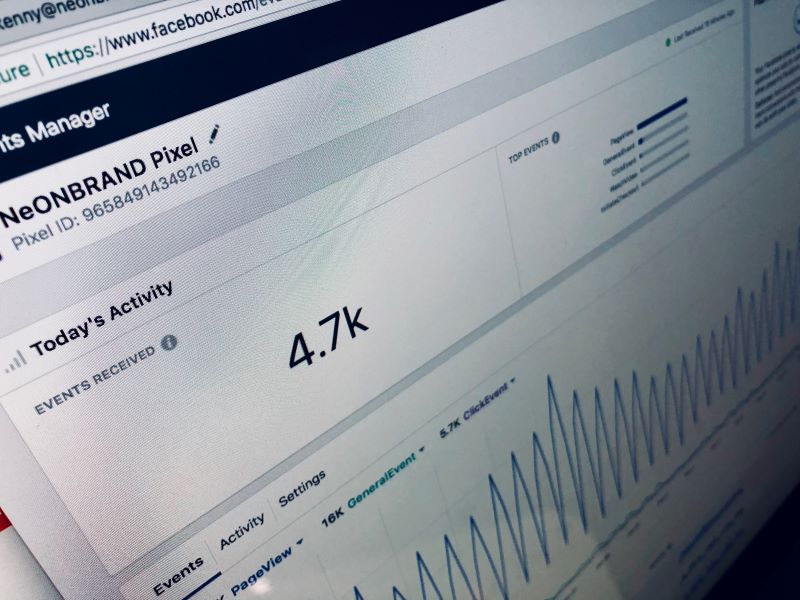
The first thing you’ll want to do (if you haven’t already) is install the Facebook tracking code on your website (known as the Facebook Pixel). This can be found under the Events Manager section. This gives you the ability to start building custom audiences based on your website visitors. It’s one of the most effective ways to target your ads at a relevant audience.
Creating ad campaigns through Ads Manager is a lot more involved than simply boosting a post. However, there are some key options that can improve the performance of your campaigns. For example, when you boost a post, you can optimise the delivery of that ad to achieve more page likes, engagement or brand awareness. These are mostly vanity metrics which are difficult to put a value on. If you create a Facebook Ad through Ads Manager, you can also optimise for app installs, sales on your website, leads and video views. These are often more meaningful goals for your campaigns.
With Facebook Ads, you can also control where your ads appear by choosing different placements (News feed, right column, Messenger, Instant Articles, Instagram, Stories, Audience Network, etc). With boosted posts, you don’t have the option to advertise in all the available placements such as Facebook and Instagram Stories, so you could be missing out on reach and traffic.
Boosting posts restricts what your ad looks like and cannot be tailored to each placement. By setting up your ad campaign through Ads Manager, you can specify different creative (imagery) and different formats. This is vital to test responses to different visuals and optimise your campaigns.
Is boosting Facebook posts the right option for you? If your goals are covered by the optimisation options for boosted posts and you’ve created custom audiences that you can access when boosting your posts, it can be a viable option. For example, if you want to get more reach and clicks on a blog post you’ve shared, and you have a custom audience set up already, boosting those posts is a simple way to do it. However, all campaigns can be improved using the advanced features and additional options in Facebook’s Ad Manager platform. If your goal is to increase sales and leads from your ads and you’re looking to drive a real return on investment, always opt for creating campaigns through the Ads Manager platform.
Need help setting up Facebook Ads for your business? Check out the Skittish Academy – we have a course in there to show you how!